Account Settings
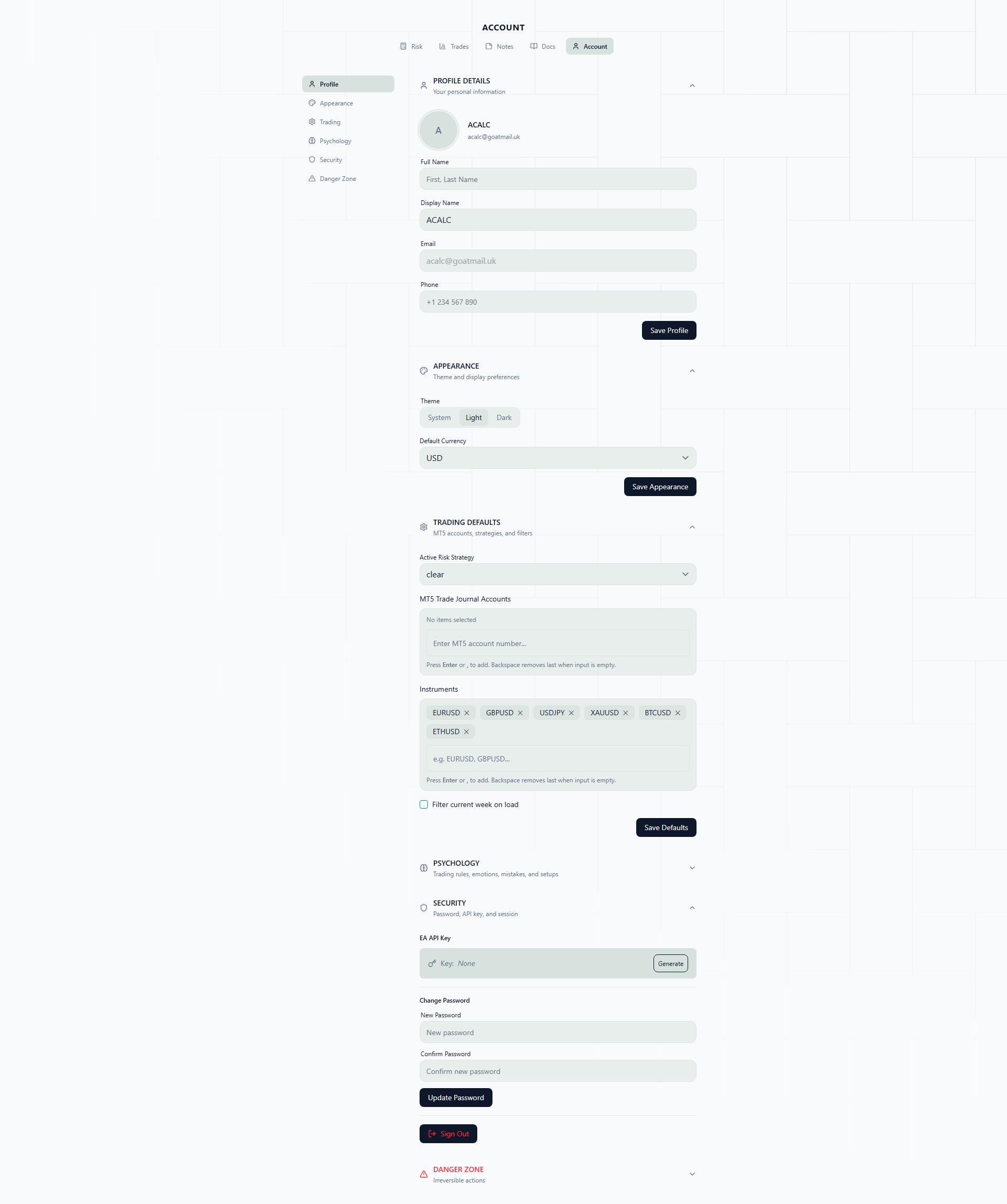
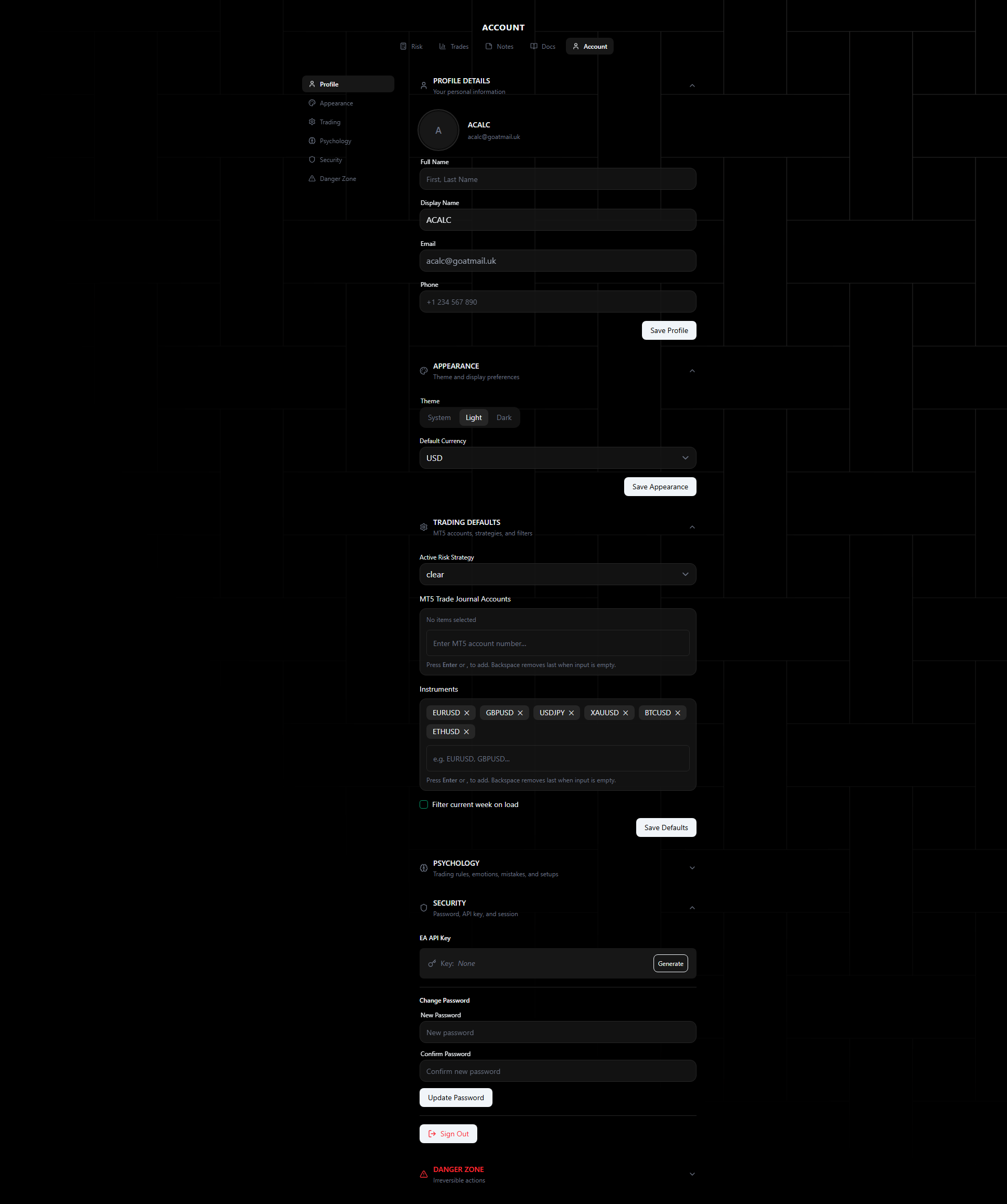
Manage your profile, preferences, and security from the Account page.
Profile
- Full Name — Display name across the platform
- Phone Number — Optional contact number
- Avatar — Upload a profile image or use your auth provider’s avatar
Appearance
- Theme — System, Light, or Dark mode. Theme preference syncs across the landing site and app via shared localStorage
- Default Currency — USD, EUR, or GBP for display formatting
Trading Defaults
- Export MT5 Accounts — Select which MT5 accounts auto-journal trades
- Instruments — Manage your instrument list (used in filters and trade entry)
- Filter to Latest Week — When enabled, the trade journal defaults to showing only the current week’s trades
- Current Preset — Select your active risk calculator preset
- Week starts on — Pick the first day of your week (Sunday to Saturday, Monday by default). It sets the columns of the trades calendar, the days grouped into each week in Notes, the “this week” filter, and when weekly targets and floors reset in backtests and live trading
Security
- Change Password — Update your login password (minimum 6 characters)
- API Key — Generate an API key for EA authentication. Copy and configure in your Expert Advisor inputs. Revoke and regenerate at any time
- Logout All Sessions — Sign out from all devices
Psychology Presets
Configure the emotion, setup, mistake, and rule options that appear in trade entry and psychology tracking.
See Psychology Presets for the full configuration guide.
Danger Zone
- Delete Account — Permanently delete your account and all associated data. This action is irreversible.