Editor Features
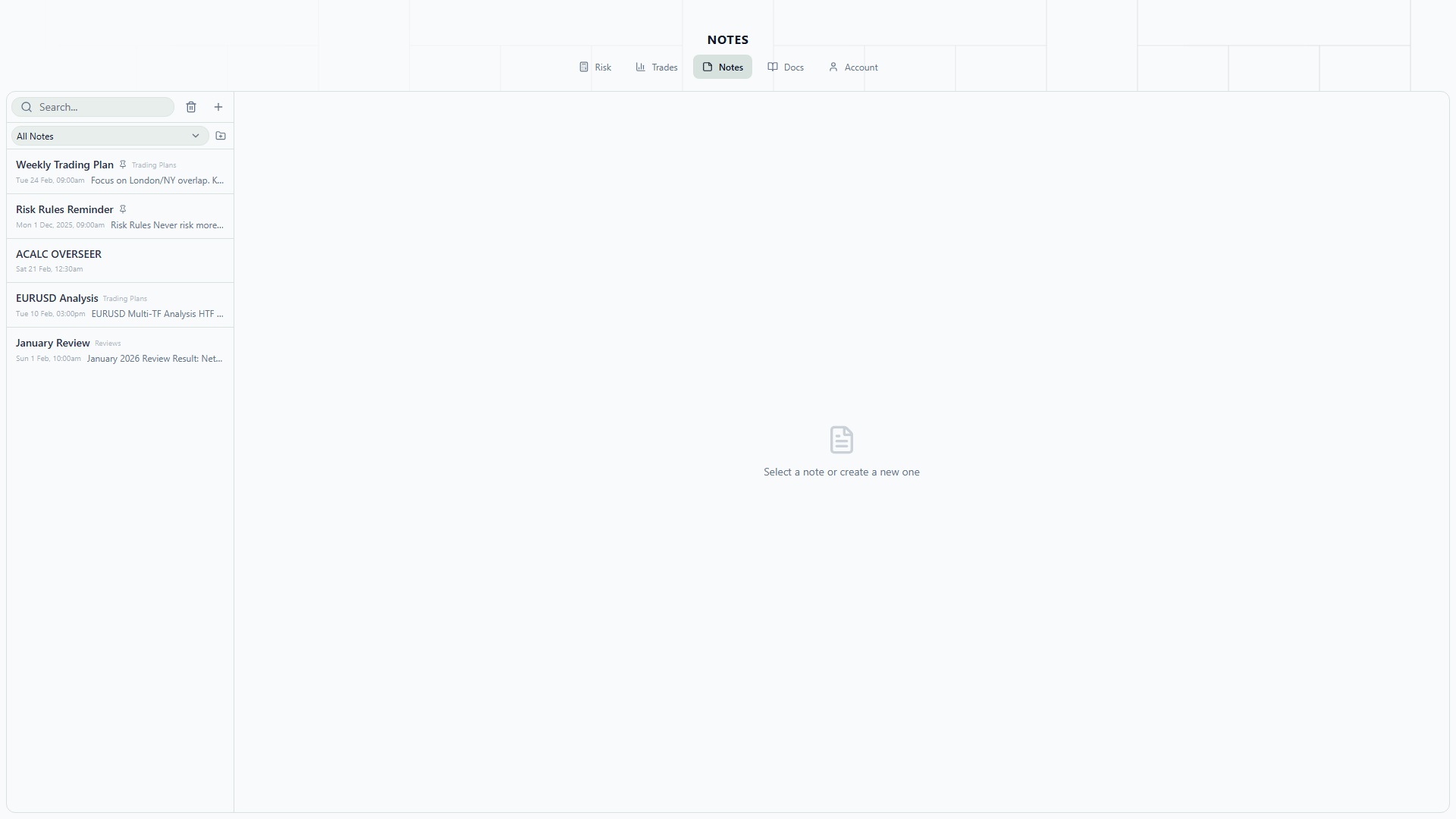
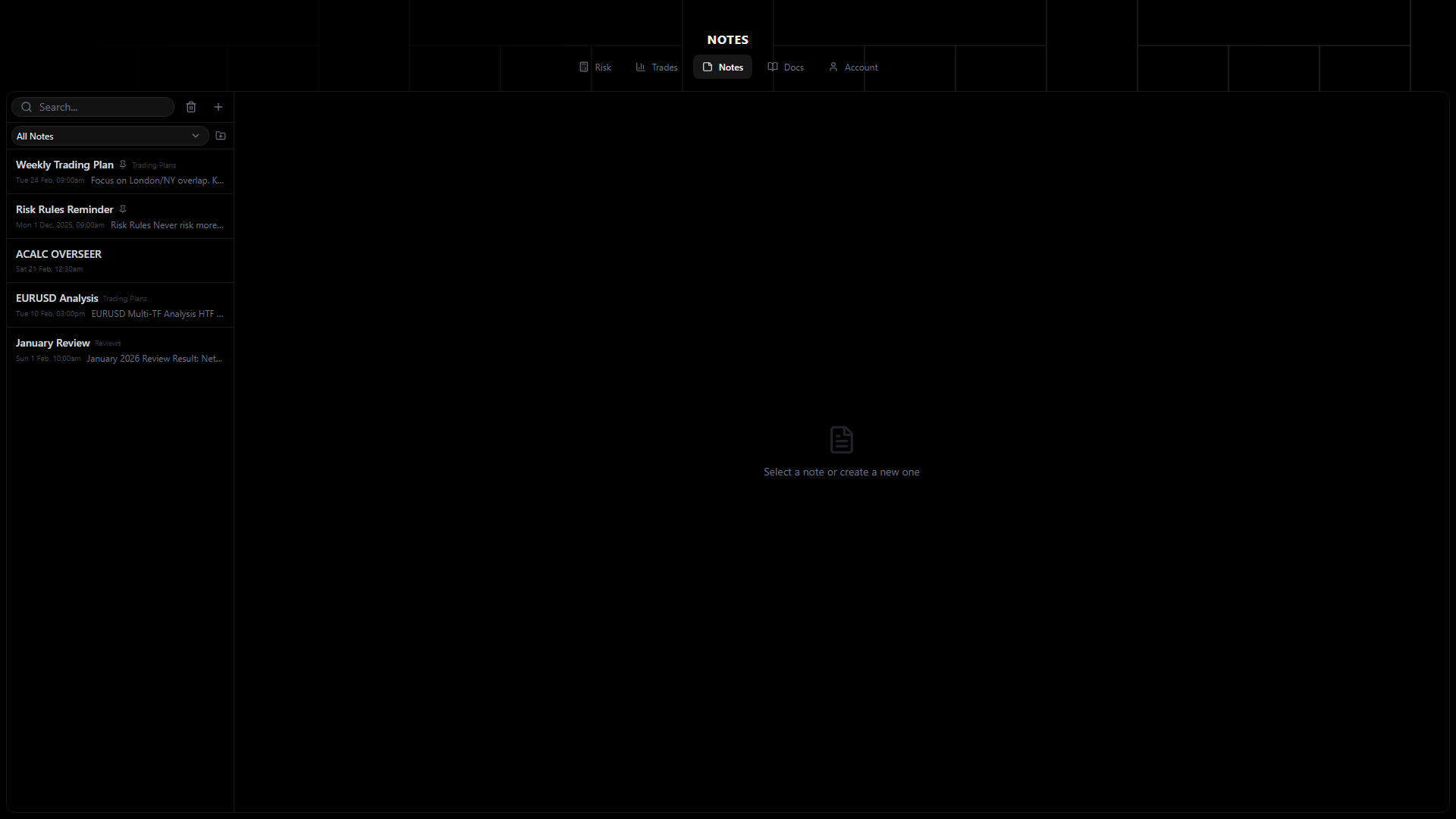
The notes editor provides rich-text formatting with auto-save.
Formatting
Text Styles
- Bold (Ctrl+B)
- Italic (Ctrl+I)
- Underline (Ctrl+U)
- Strikethrough
- Code (inline monospace)
Structure
- Headings — H1, H2, H3
- Bullet lists
- Numbered lists
- Block quotes
- Code blocks with syntax highlighting
- Horizontal rules
Tables
- Insert tables with configurable rows and columns
- Add/remove rows and columns
- Header row support
Links
- Insert clickable URLs
- Auto-detect URLs when pasting
Images
- Drag and drop — Drop images directly into the editor
- Paste — Paste screenshots from clipboard
- Upload — Click to select files
- Max 5MB per image
- Images stored in cloud storage (Supabase)
Auto-Save
Notes auto-save with a 1.5-second debounce:
- You stop typing
- After 1.5 seconds of inactivity, the note saves automatically
- A “Saved” indicator confirms the save
No manual save button needed — your work is always preserved.
Offline Behavior
When offline, edits queue locally. The auto-save indicator shows “Offline” status. When you reconnect, all queued edits sync automatically in order. See Organization for more on offline sync.