Calendar View
The calendar view displays your trades in a month grid with color-coded heatmap cells. Each day shows trade indicators and aggregate P&L.
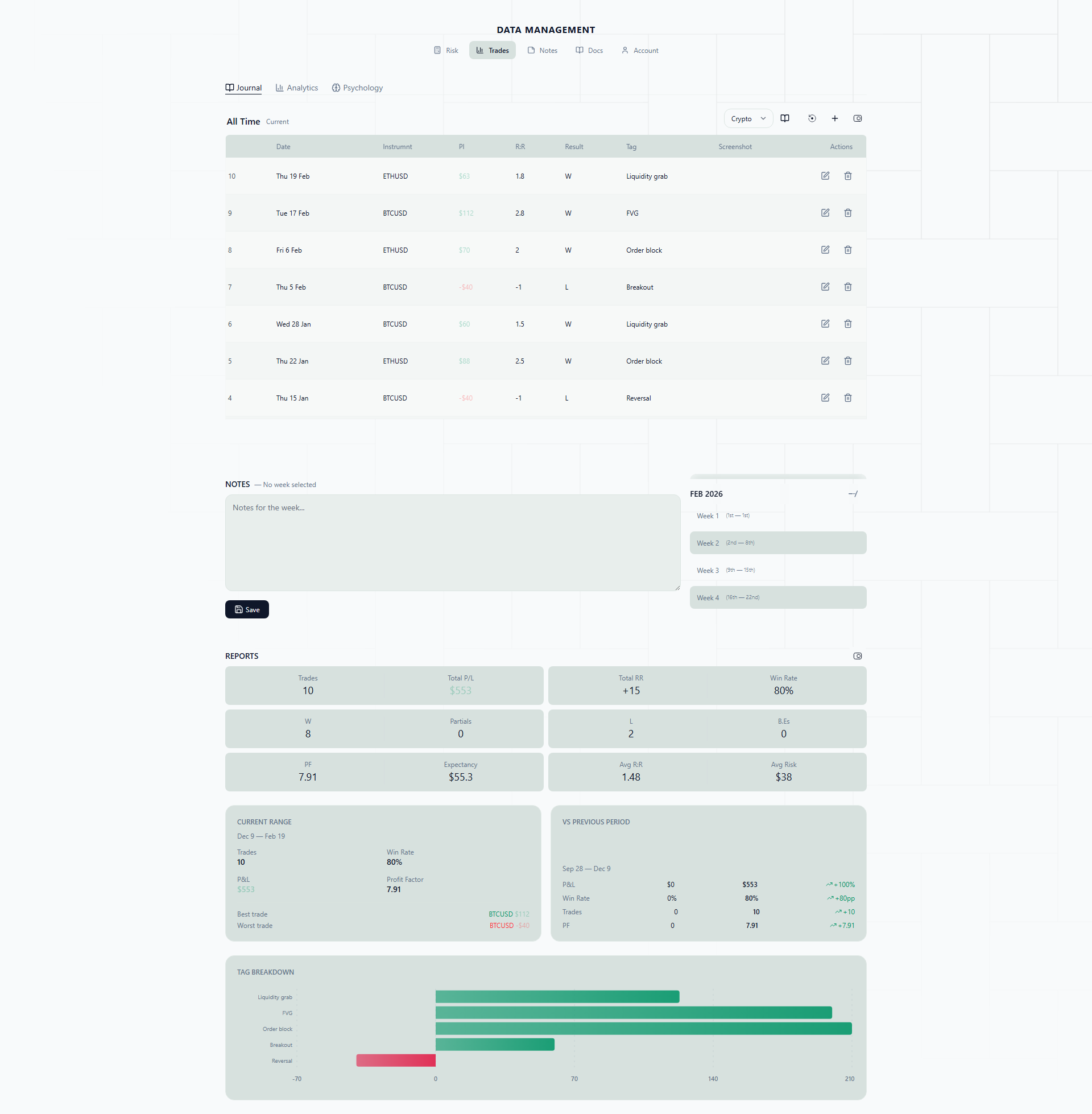
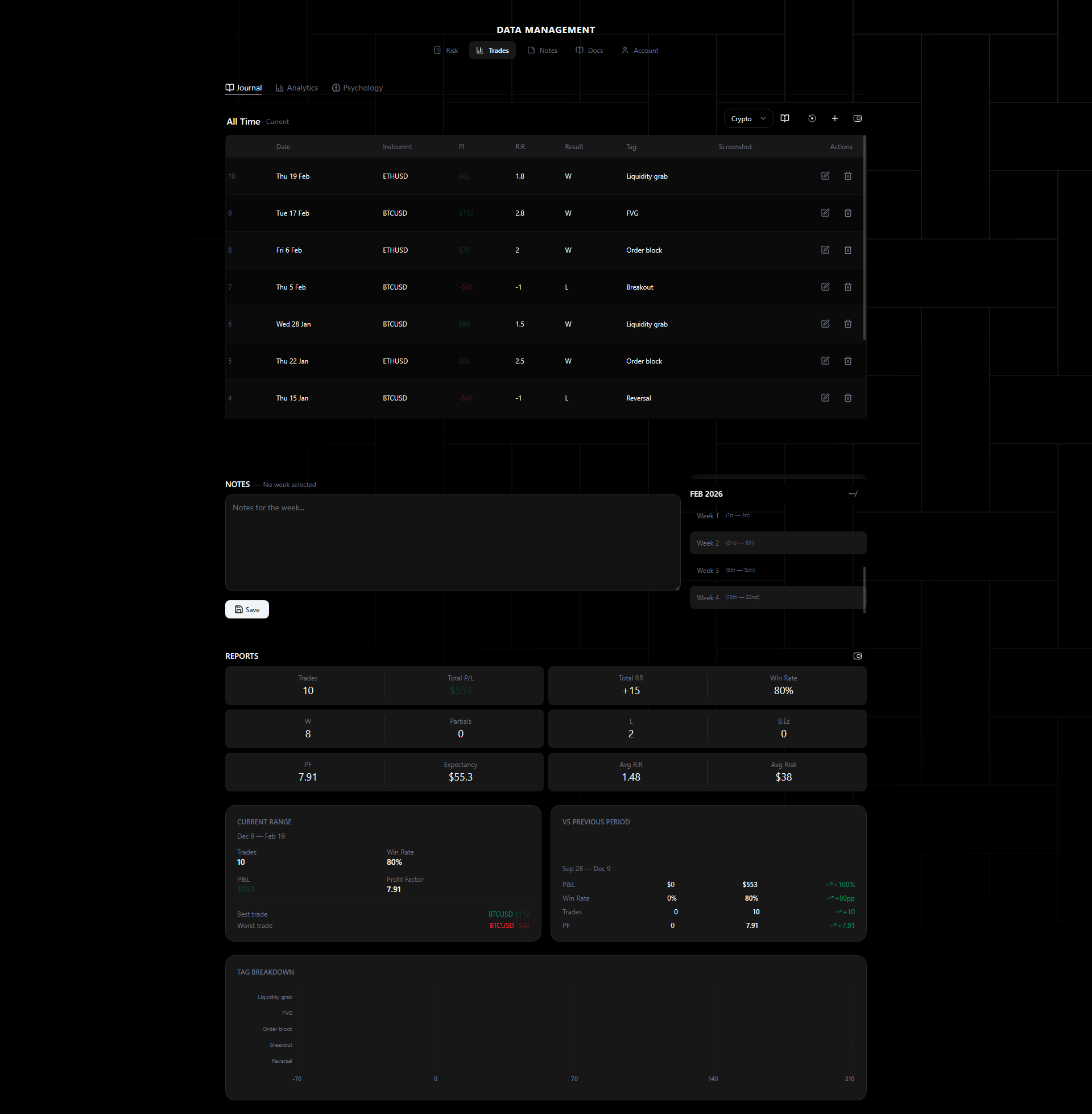
Why a Calendar View?
Spreadsheets give you rows of numbers. Numbers are precise, but they are terrible at showing you patterns over time. You can stare at a column of daily P&L figures and completely miss the fact that three out of four Mondays were red, or that your best weeks always follow a losing streak.
A calendar heatmap solves this by turning your trade data into something your brain processes instantly — color. You open the calendar and within two seconds you can see: “This month was mostly green in the first two weeks, then fell apart after the 15th.” That kind of insight takes minutes to extract from a table and zero effort from a heatmap.
This is the view you will probably use most often. It is where your weekly reviews start, and it is the fastest way to get a read on how your trading month is going.
Real-Life Scenarios
Spotting day-of-week patterns. You trade XAUUSD during the London session. After a month of journaling, you pull up the calendar and notice something: almost every Monday cell is red or neutral, while Tuesdays and Wednesdays are consistently green. You dig into the data and realize that gold tends to range on Mondays as the market establishes the week’s direction, and your breakout strategy does not work well in ranges. You adjust by sitting out Mondays or switching to a mean-reversion approach. The next month, your Monday cells turn neutral — and your overall win rate goes up.
Catching overtrading weeks. You have had a rough week trading EURUSD and NAS100. You took 23 trades in five days. The calendar makes this obvious — one particular Wednesday has six trade pills stacked in its cell, and the day is a deep red. You count the pills across the week and see the density is way higher than your typical weeks (which average 8-10 trades). The correlation is clear: more trades, worse results. You set a personal rule to cap yourself at 3 trades per day.
Monthly review at a glance. It is the last day of the month. You open the calendar to do your monthly review. The first half of the month is a sea of green — you were following your plan, taking clean setups on GBPUSD. Then around the 18th, the colors shift to red. You click into those days and realize you switched to trading BTCUSD after seeing it trending on social media, took oversized positions, and gave back most of your monthly gains. The visual contrast between the two halves of the month tells the story more powerfully than any equity curve could.
Heatmap
Day cells are shaded by net P&L:
- Green shades — Net profitable days (darker = more profit)
- Red shades — Net losing days (darker = more loss)
- Neutral — No trades or break-even
The heatmap gives an instant visual read of your monthly performance pattern. The intensity of the color is proportional to the size of the win or loss, so you can immediately spot your biggest days — both good and bad.
Trade Pills
Each trade appears as a small pill on its close date:
- Green pill — Winning trade
- Red pill — Losing trade
- Gray pill — Break-even
Click any pill to open the full trade detail panel. This means you can go from “I see a big red day” to “here is exactly what happened on that trade” in a single click.
Day Cells
Each day cell shows:
- Trade count for the day
- Net P&L in dollars
- Individual trade pills
Days with more trades show more pills, giving a visual density indicator. If you see a day with six pills and a red total, you know overtrading was likely the issue before you even click into it.
Month Navigation
- Navigate forward/backward by month
- Quick jump to current month
- Month-level summary stats shown above the grid (total trades, win rate, net P&L)
The month-level summary gives you the headline numbers — how many trades you took, your win rate, and your net result — so you can compare months without switching to the analytics view.
Week Start
The calendar’s columns follow your week start. The default is Monday; change it in Account > Trading Defaults > Week starts on (any day from Sunday to Saturday). The calendar, the weeks grouped in Notes, the “this week” filter, and the weekly targets and floors in your strategies all follow it.
Daily Notes
Every day has its own note. Open the Notes panel next to the calendar and you will see every day of the period, grouped under a week header such as Week 2 5th — 11th. Weeks are cut at month boundaries and numbered from 1 within each month.
- Each day shows its weekday and date, your net R if you traded (green for a win, red for a loss), and a dot with a one-line preview if it has a note.
- Today is highlighted.
- Click a day to filter your trades to that day and write its note. Clicking a day in the calendar or the Today chip selects it in Notes too, and the list scrolls to it.
- A small dot in the corner of a calendar day means it has a note.
- Click a week header to show that whole week’s trades.
- With All journals selected, the note box holds one
[Journal Name]section per journal, separated by///. Saving files each section under its journal. - If you move on from a day with unsaved changes, you are asked before they are discarded.
Notes you wrote before this change were weekly. Each one now sits on the second day of its week (for a week cut short by the end of a month, on the second day of that part) so nothing was lost.
How to Use Daily Notes Effectively
A short note at the end of each trading day is easier to keep up than a long weekly review. A practical workflow:
1. Write while it is fresh. Pick a fixed moment, such as right after your last trade or before you close the platform. Two or three sentences are enough.
2. Cover three things.
- What worked — Which setup played out, or which entry was cleanly executed? (e.g., “EURUSD break-and-retest, waited for confirmation, hit 2R.”)
- What did not — Where did you deviate from your plan? (e.g., “NAS100 long was FOMO at resistance, stopped out in 20 minutes.”)
- One adjustment — What will you do differently tomorrow? (e.g., “No trades in the first 30 minutes of the New York session.”)
3. Note the market context. NFP, FOMC, holidays, trending or ranging conditions. It explains why some days behave differently when you look back.
4. Review the week on Friday. Click the week header to see that week’s trades, then skim the previews in the list. Did you follow through on the adjustments you set?
Consistency matters far more than length.