Trade Journal Overview
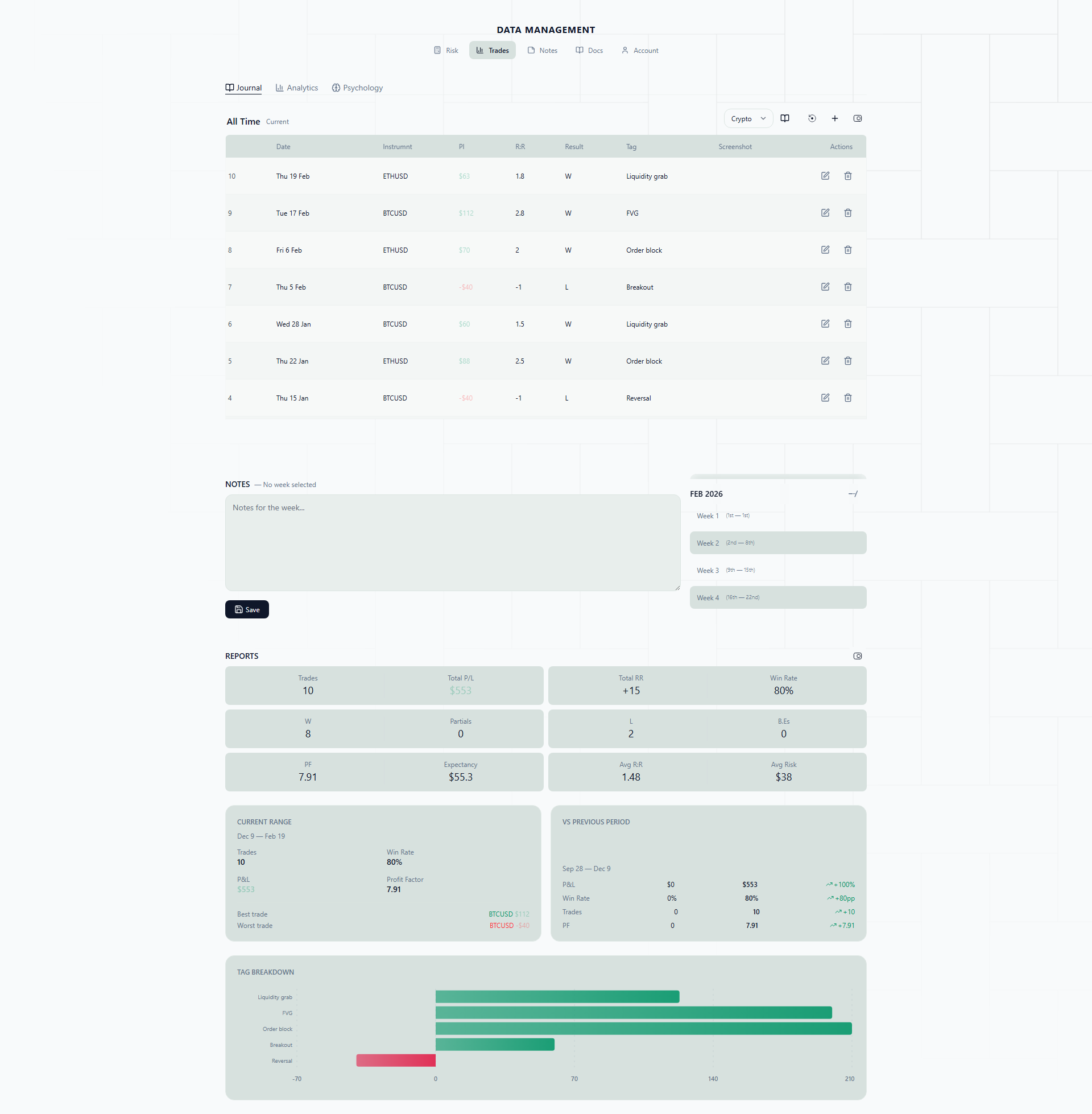
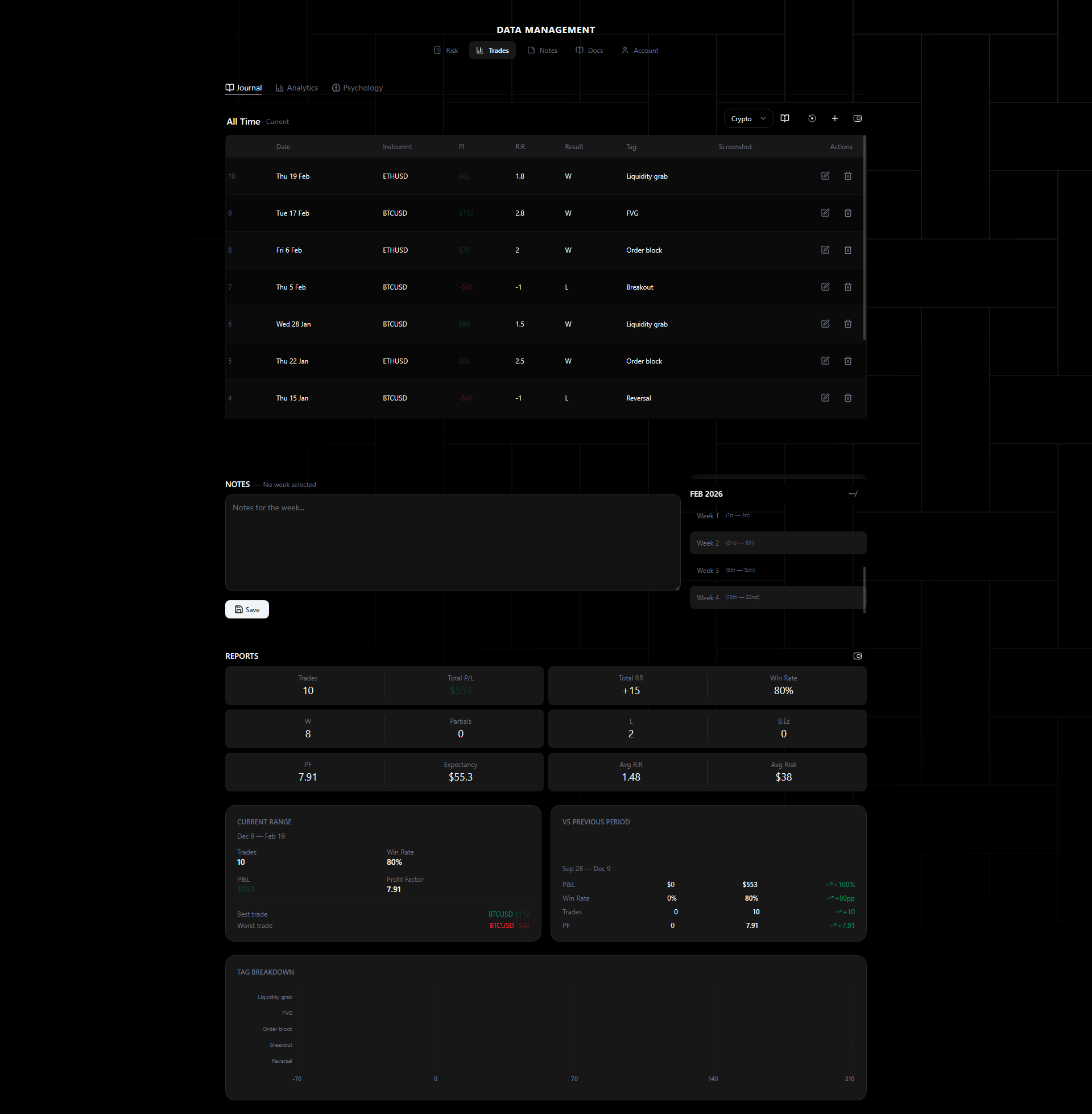
The trade journal captures your closed positions and organizes them for review. Trades are automatically journaled from your trading account — no manual data entry required.
Why Journaling Matters
Here is the uncomfortable truth about trade journaling: almost every trader knows they should do it, and almost none of them stick with it.
The reasons are predictable. You finish a trading session, you are tired, and the last thing you want to do is open a spreadsheet and manually type in entry prices, lot sizes, and P&L figures. So you skip a day. Then a week. Then your “journal” is a half-empty Google Sheet you last touched in February.
The problem was never motivation — it was friction. Manual journaling takes 5-10 minutes per trade. If you take 3-5 trades a day, that is 30-50 minutes of data entry. Every single day. Nobody sustains that.
MyTradr’s journal removes the friction entirely. Your trades flow in automatically. The calendar, analytics, and psychology tracking are built in — not bolted on top of a spreadsheet. You spend your time reviewing trades and finding patterns, not copying numbers from your broker’s history tab.
Real-Life Scenarios
The spreadsheet dropout. You have been trading EURUSD and GBPUSD for six months. You started with a meticulous spreadsheet — entry price, exit price, lot size, result, notes. By month three, you were only logging losers (to figure out what went wrong). By month five, you stopped entirely. With auto-journal, every trade lands in your journal whether you feel like logging it or not. When you sit down for your weekly review, the data is already there.
The multi-account trader. You run a funded account on NAS100 and a personal account trading XAUUSD. Keeping two separate spreadsheets is a nightmare — you never remember which sheet you are in. With multiple journals, you switch between accounts with a single click, and each journal tracks its own analytics independently.
The pattern discoverer. You have a nagging feeling that you lose more on Fridays, but you have never had enough organized data to prove it. After three weeks of automatically journaled trades, you open the calendar view and see a clear pattern: your Friday cells are consistently red. You dig into the analytics and confirm that your Friday win rate is 31% versus 58% on other days. You stop trading Fridays. Your monthly P&L improves immediately.
How It Works
MyTradr scans your deal history and sends completed trades to the server automatically. Each trade record includes the full lifecycle: order placement, execution, modifications, and close — with all associated prices, volumes, timestamps, swap, and commission data.
Once journaled, trades appear in your journal automatically.
Before and After
Without MyTradr: You close a GBPUSD trade, switch to your spreadsheet, manually enter 9 fields, calculate the R-multiple yourself, and forget to note that you moved your stop loss during the trade. By the time you do your weekly review, you have forgotten what you were thinking when you entered.
With MyTradr: You close the GBPUSD trade. It appears in your journal within seconds — prices, volume, P&L, swap, commission, timestamps, all captured automatically. You click the trade, add a quick note about why you moved your stop, tag it with “Moved SL” in the mistakes field, and move on. Your weekly review pulls up the calendar heatmap, and you can see exactly how the week went at a glance.
What Gets Captured
Each trade record includes:
- Identification — Ticket ID, instrument, direction (buy/sell)
- Prices — Entry, stop loss, take profit, actual close price
- Volume — Lot size
- Result — Win, loss, or break-even
- Financials — P&L in dollars, risk amount, risk-reward ratio, swap, commission
- Timing — Open and close timestamps
- Psychology — Emotions, mistakes, setup tags, discipline notes (PRO plan)
Views
- Calendar View — Month grid with heatmap coloring, trade pills, day-level P&L
- Table View — Sortable columns with row-click details and inline stats
- Analytics — Equity curve, drawdown, instrument breakdown, streaks, R-multiples
- Psychology — Emotion correlation, mistake impact, discipline score, rule adherence (PRO)
Features
- Trade Entry — Manual entry form with psychology fields, screenshot uploads, and tagging
- Views & Filtering — Advanced filters with AND/OR logic, journal switching, import/export JSON
- Auto-Journal — Journal EA setup and data pipeline
- Daily Notes — Write a note for any day, with a dot on the calendar for days that have one
Multi-Journal System
Starter and PRO plans support unlimited journals. Switch between journals for different accounts, strategies, or time periods. Each journal maintains independent trade data and analytics.
This is particularly useful if you trade different strategies that you want to evaluate separately. For example, you might keep one journal for your scalping setups on NAS100 and another for swing trades on forex majors. Mixing them in one journal would skew your analytics — a scalping strategy with a 70% win rate and 0.8 RR looks very different from a swing strategy with a 40% win rate and 3.0 RR.
How to Get Started
- Connect your account — Follow the guide at Install EA to get auto-journal running. Currently supports MT5. This takes about 5 minutes.
- Configure your accounts — In Account Settings, select which accounts to auto-journal.
- Wait for trades to close — As positions close, they flow into your journal automatically. You can also add trades manually via Trade Entry if you trade on other platforms.
- Review regularly — Use the calendar view for daily/weekly pattern spotting, the table view for detailed trade-by-trade analysis, and analytics for the bigger picture. The data is only useful if you actually look at it.
The goal is simple: spend zero time on data entry and all your time on the review that actually makes you a better trader.