Risk Calculator Overview
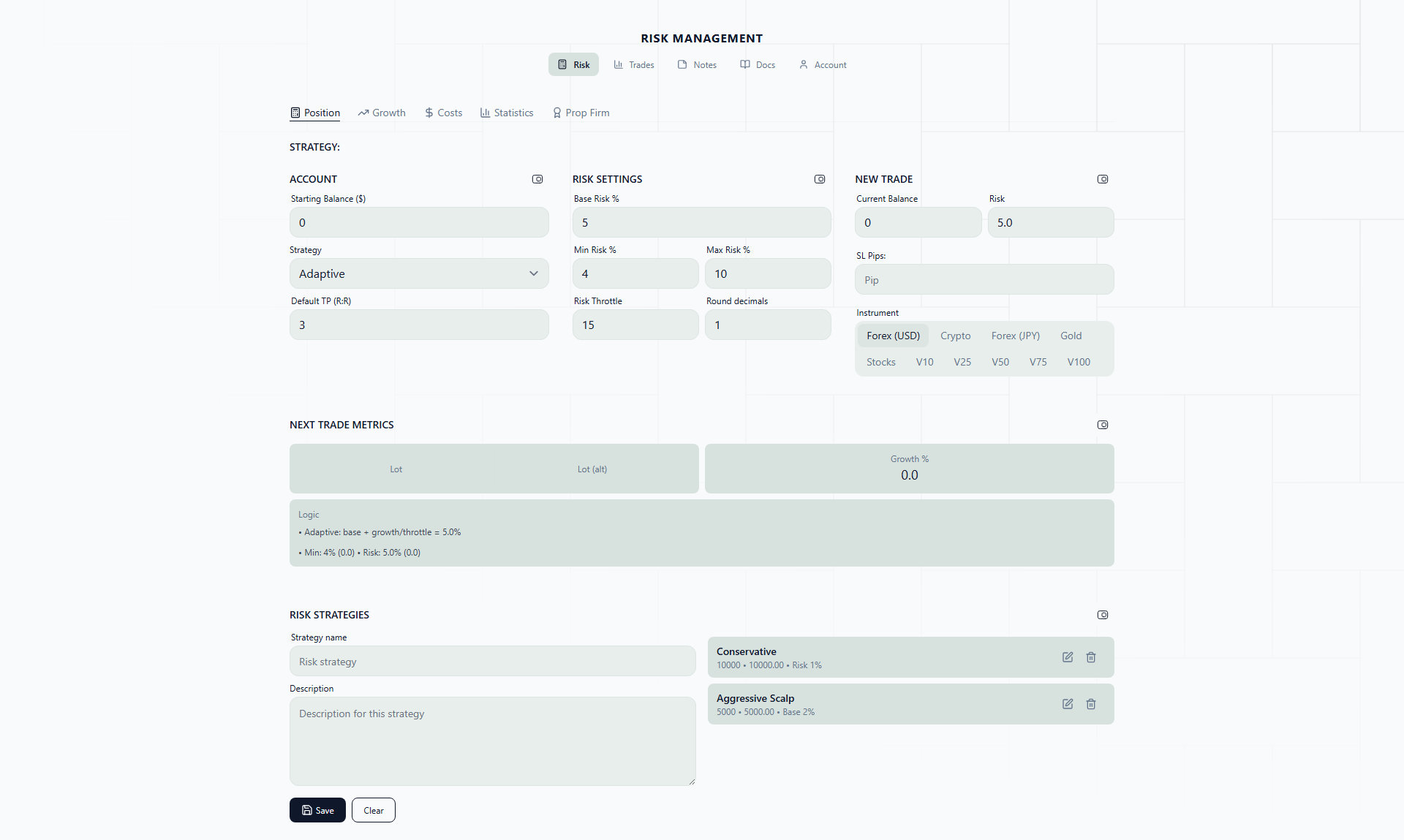
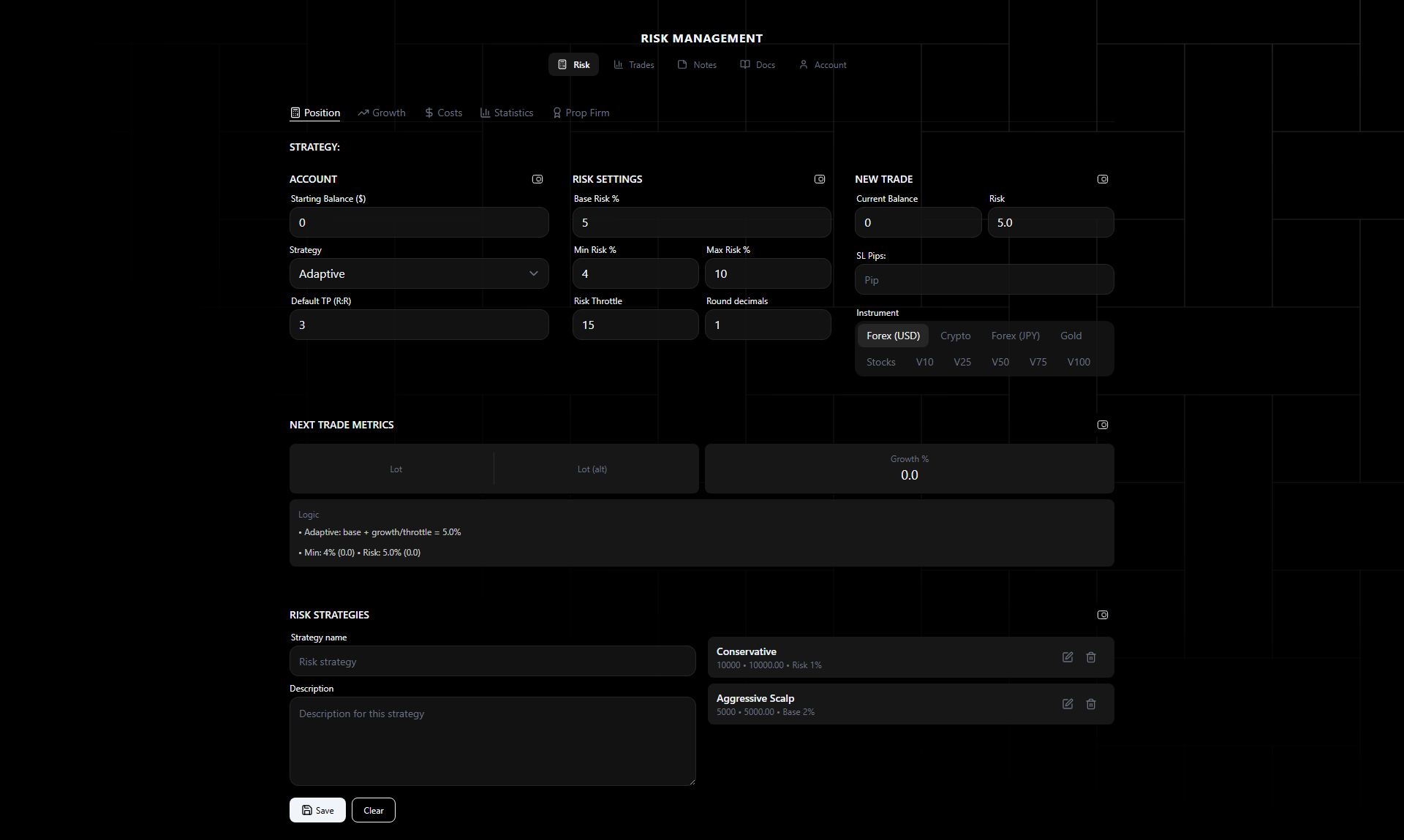
The risk calculator determines exact lot sizes for each trade based on your account balance, risk tolerance, and stop distance. No spreadsheets, no mental math.
Why Position Sizing Prevents Blowups
Most traders who blow accounts don’t have a strategy problem — they have a sizing problem. The math is unforgiving:
- At 10% risk per trade, 7 consecutive losses wipes out 52% of your account. That feels unlikely until you realize a 50% win rate system hits 7 losses in a row roughly once every 128 trades. If you take 5 trades a week, that streak arrives within 6 months on average.
- At 5% risk per trade, 7 consecutive losses costs you 30% — painful but survivable.
- At 2% risk per trade, those same 7 losses only cost 13.2%. You need 34 consecutive losses to reach 50% drawdown — a statistical near-impossibility with any real edge.
The difference between a blown account and a minor setback is often just the lot size calculation you do (or skip) before clicking the button.
Position sizing is the one variable you have complete control over. You can’t control whether the market hits your stop loss. You can control how much it costs when it does.
Real-Life Scenario: The “Eyeball” Trap
Consider a trader with a $5,000 account who has been “eyeballing” lot sizes — trading 0.1 lots on EURUSD, 0.05 lots on GBPJPY, 0.02 lots on XAUUSD. It feels reasonable, but here is what the math actually says:
- 0.1 lots on EURUSD with a 40-pip stop = $40 risk = 0.8% of account. Conservative.
- 0.05 lots on GBPJPY with a 60-pip stop = $30 risk = 0.6%. Also fine.
- 0.02 lots on XAUUSD with a $15 stop = $30 risk = 0.6%. Looks safe.
But then the trader takes the same 0.1 lots on EURUSD with a tight 15-pip stop — that is still $15, only 0.3%. So they bump it to 0.3 lots because “the stop is tight.” Now the risk is $45 = 0.9%. Still okay, but the habit has started.
Next week, gold is volatile. They use a $30 stop on XAUUSD with 0.05 lots — that is $150 = 3% risk. A few days later, they take 0.2 lots on NAS100 with a 50-point stop = $200 = 4% risk. They didn’t notice the creep because they were sizing by “feel” instead of by formula.
The calculator catches this immediately. You enter the trade parameters, and the output tells you the exact lot size for your target risk percentage. If 2% of $5,000 is $100 and XAUUSD has a $30 pip distance, the calculator tells you the lot size is 0.03 — not the 0.05 you would have guessed.
How It Works
- Set your account balance and risk parameters
- Choose a risk strategy (or use manual entry)
- Enter your broker’s entry price, stop loss, and take profit
- Get the calculated lot size, dollar risk, and calculation breakdown
The calculator handles the math for pip value conversion, lot size rounding, and risk percentage scaling.
Tabs
The Risk Calculator page has five tabs:
- Position Sizing — Core lot size calculator with strategy selector
- Growth — Compounding projections and drawdown analysis
- Costs — Margin, commission, and swap calculators
- Statistics — Risk of ruin and Kelly criterion
- Prop Firm — Phase tracker with daily loss limits and targets
Inputs
Account Parameters
- Account Balance — Current account balance
- Start Balance — Starting balance (used for growth % in adaptive strategies)
- Base Risk % — Default risk percentage per trade
- Min Floor % — Minimum risk percentage (prevents risk from dropping too low)
- Max Risk % — Maximum risk cap (prevents over-exposure during growth)
Trade Parameters
- Entry Price — Broker entry price
- Stop Loss — Stop loss price
- Take Profit — Take profit price
- Entry Pips — Pip distance for the trade
Strategy Parameters
- Last Trade Result — Win, loss, partial, or break-even
- Last Risk-Reward — RR of the previous trade
- Last Risk % — Risk percentage used on the previous trade
Outputs
- Lot Size — Calculated position size (with alternative calculation)
- Risk $ — Dollar amount at risk
- Growth % — Account growth from start balance
- Logic Notes — Step-by-step calculation explanation showing how the lot size was derived
A manual override option is available to bypass min-floor and max-cap constraints when needed.
Risk Strategies
The calculator supports four automated strategies plus manual entry. Each strategy adjusts the risk percentage based on different trading outcomes.
See Risk Strategies for detailed formulas and worked examples.
Presets
Save your risk configurations as presets for quick switching between strategies. Each preset stores:
- Balance and start balance
- Strategy type and parameters
- Risk bounds (base, min floor, max)
- Rounding precision
Load any preset to instantly apply its configuration.
Getting Started: Your First 20 Trades
If you are new to structured risk management, here is the recommended path:
Phase 1: Fixed Strategy at 1-2% (Trades 1-20)
Start with the Fixed strategy and set your base risk to 1% or 2%. This is intentionally boring. The goal is not to maximize returns — it is to build the habit of calculating every position size before you enter a trade. During these first 20 trades, you will:
- Get comfortable entering trade parameters before each position
- Start noticing how lot sizes change dramatically between instruments and stop distances
- Build a baseline dataset of your win rate and average risk-reward ratio
Save a preset called something like “Getting Started - 1% Fixed” so you always have a known-good configuration to return to.
Phase 2: Review Your Data (After 20+ Trades)
Once you have 20 or more trades logged, go to the Statistics tab. Enter your actual win rate and average win/loss ratio. Check your risk of ruin. If it is above 1% at your current risk level, you are sizing too aggressively — stay with Fixed until it drops below 1%.
Phase 3: Graduate to Adaptive Strategies
If your risk of ruin is comfortably low and you have a verified edge, you can start experimenting with the adaptive strategies:
- Conservative path: Try Reset-on-Loss with a 1% base risk and throttle of 10. This gives you modest growth participation while snapping back to base risk after any loss.
- Moderate path: Try Adaptive Growth with a 1.5% base risk. Watch how your risk scales as your account grows and make sure the throttle value keeps it within your comfort zone.
- Aggressive path: Double-Pulse is available if you have a high win rate (60%+) and want to press winning streaks. Set your max risk cap conservatively — even aggressive strategies need guardrails.
The key insight is that adaptive strategies only work well when you have real data about your trading performance. Without that data, you are just guessing — and the Fixed strategy is a better guess than any adaptive formula built on assumptions.